
I made this one in photoshop this particular piece of fanart, this is the first one in a set of three that I made using pictures that I already had in photoshop. Then I copied a set of two pictures of two dragons from a piece of fanart, then I put each of the two on each one of the three backgrounds, then I also added some different colour text to go with each picture and that’s how I made this piece of fanart. I would just like to point out everything you see in this picture is edited and put to together to make one piece of fanart, and I take absolutely no credit for anything in this picture, or any of the characters plotlines, storylines or anything else related to the ASOIF series. all rights, ownership, properties. and absolutely all credit belongs and goes to author George R.R. Martine and the HBO television network. Signed Aegon Targaryen IIIIII
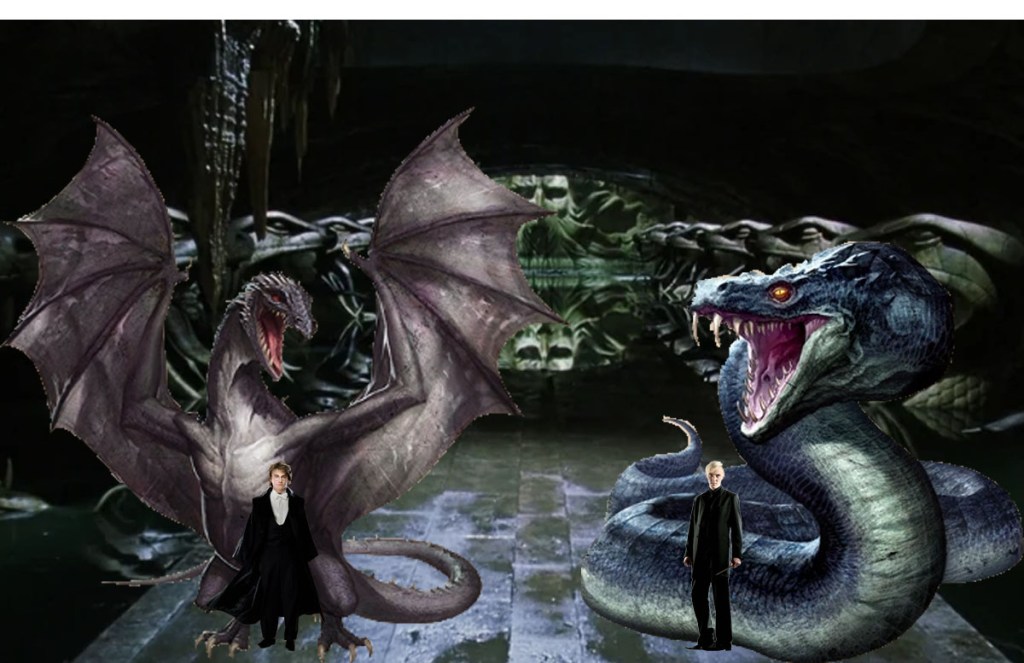
I made this one using photoshop as well see what I did first was, I went online and find 5 pictures. One of which I used as the background for the work I was putting together. I did have to do a small amount of work by using the quick selection tool mainly in the middle of the picture, as for the other the 4 what I did with them is I used the quick selection tool to select the specific area of each picture that I wanted. then I after I had selected the area’s on each picture I copied each of them one by one and placed in specific places on the background picture, I had to minimize and enlarge some of them and that’s how I made this piece. I would just like to point out everything you see in this picture is edited and put to together to make one piece of fanart, and I take absolutely no credit for anything in this picture, or any of the characters plotlines, storylines or anything else related to the Harry Potter series, all rights, ownership, properties. and absolutely all credit belongs and goes to author J.K. Rowling and the Warner Bros television network. Signed Rubeus Hagrid
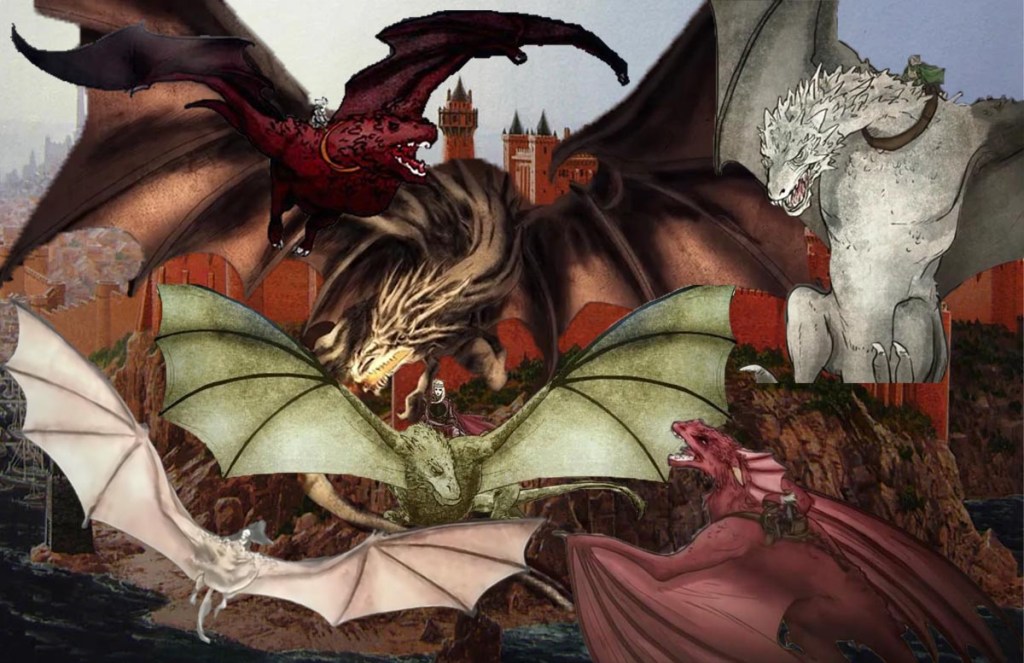
This particular work of fanart took me the longest amount of time to do, as when I was working I had absolutely no idea what I was actually attempting to create. I had some notion of what of the piece was going to be, but when I making it I was literally just making it up as I was creating it, I started with an entire blank canvas and then one by one went online, and found each of the dragon rider pictures. and on each one I used the quick selection tool but it was hard to make sure that I had the entire area selected but once I had, I copied and pasted each one onto the blank canvas and then finally after I had I placed each of the six dragons onto the canvas. looked for quite a while for the background picture now you might be wondering why I chose to put the background in last well that’s because as I said before I literally what I was putting in the picture. but once I had found the picture I was going to use for the picture I saved it and then opened it in photoshop and then selected one area of it, I then copied the selected onto the canvas. Then I put behind the other six layers and I enlarged it, and after I had put everything onto the canvas it all just came together and that is how I made this piece of fanart. would just like to point out everything you see in this picture is edited and put to together to make one piece of fanart, and I take absolutely no credit for anything in this picture, or any of the characters plotlines, storylines or anything else related to the ASOIF series. all rights, ownership, properties. and absolutely all credit belongs and goes to author George R.R. Martine and the HBO television network. Signed Maegor the cruel

It didn’t take to long for me to make the particular piece of fanart, all I really had to do was open a new canvas in photoshop. then I went online to find the pictures of the two dragons, that part took me the longest time to do it was trying to find the best ones that took the longest time. When I find the ones I felt were the best I saved them both, and then I opened them both up in photoshop. Then I copied the two dragons from there pictures and then pasted them both on to the blank canvas I had opened before. I also positioned each in specific placed on the canvas, then I opened another picture in photoshop and I used the quick selection tool, to select a small piece of cloud in the picture then I copied it. and then I pasted it on to the canvas. and then making sure that it would be behind the two dragons I enlarged the the small picture until it covered the entire canvas every single white bit of the canvas. and that is how I made this piece of fanart. I would just like to point out everything you see in this picture is edited and put to together to make one piece of fanart, and I take absolutely no credit for anything in this picture, or any of the characters plotlines, storylines or anything else related to the HTTYD series, all rights, ownership, properties. and absolutely all credit belongs and goes to author Cressida Cowell and the television network DreamWorks Animation. Signed Stoic the vast
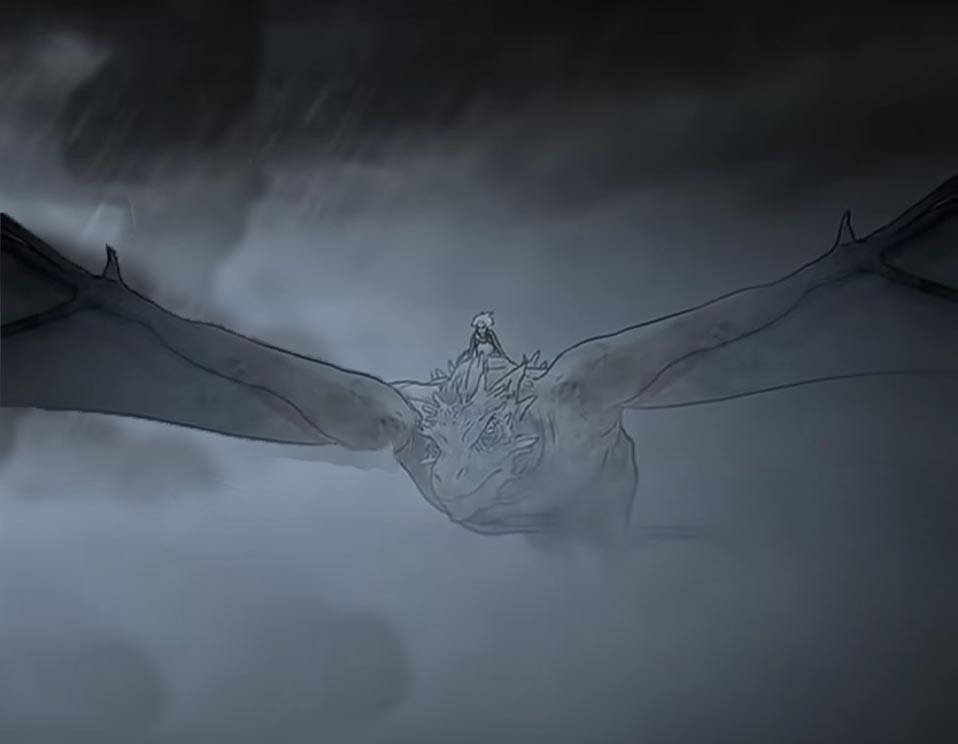
I made this one also in photoshop this particular edit was actually one of the more harder one that I did, it was originally a picture of two but I focused on just one of them, using various tools such quick selection the paint brush, and cropping I was able to give this particular piece a sort of painting feeling, like it had been painted with brushes. which ironically wasn’t even the effect I was going for. I would just like to point out everything you see in this picture is edited and put to together to make one piece of fanart, and I take absolutely no credit for anything in this picture, or any of the characters plotlines, storylines or anything else related to the ASOIF series. all rights, ownership, properties. and absolutely all credit belongs and goes to author George R.R. Martine and the HBO television network. Signed Aemond One-Eye

I made this one in photoshop this particular piece of fanart, this is the third one in a set of three that I made using pictures that I already had in photoshop. Then I copied a set of two pictures of two dragons from a piece of fanart, then I put each of the two on each one of the three backgrounds then I also added some different colour text to go with each picture and that’s how I made this piece of fanart. I would just like to point out everything you see in this picture is edited and put to together to make one piece of fanart, and I take absolutely no credit for anything in this picture, or any of the characters plotlines, storylines or anything else related to the ASOIF series. all rights, ownership, properties. and absolutely all credit belongs and goes to author George R.R. Martine and the HBO television network. signed Rhaegar the last dragon

I made this one in photoshop this particular piece of fanart, is the second one in a set of three that I made using pictures that I already had in photoshop. Then I copied a set of two pictures of two dragons from a piece of fanart, then I put each of the two on each one of the three backgrounds then I also added some different colour text to go with each picture and that’s how I made this piece of fanart. I would just like to point out everything you see in this picture is edited and put to together to make one piece of fanart, and I take absolutely no credit for anything in this picture, or any of the characters plotlines, storylines or anything else related to the ASOIF series. all rights, ownership, properties. and absolutely all credit belongs and goes to author George R.R. Martine and the HBO television network. Aegon second of his name

I made this piece of fanart in photoshop with pictures that I had found online, I started with a blanked canvas that I opened in photoshop I then picked each picture totally at random, and I saved each one into my files and I opened each in photoshop, the first one being the background picture I used the selection tool to select a specific area of the picture and once I had selected the area I copied the area onto the blank canvas. and then I then enlarged the picture until in covered the entire canvas, then one by one I opened each picture and I used the quick selection tool to select the area I wanted and then I copied and pasted each one onto the background. I also adding certain elements of other pictures to get the effect that I wanted, specifically the two pairs of wings you see on the two characters in the piece. what I did that by finding two pictures online I then saved them into my file and opened them in photoshop, I then used the quick selection tool to select the wings from each of the pictures I then copied then onto the piece, and I then put them behind the two character and I put in the exact place I knew it would like they were part of the characters and that is how I mad this piece of fanart. I would just like to point out everything you see in this picture is edited and put to together to make one piece of fanart, and I take absolutely no credit for anything in this picture, or any of the characters plotlines, storylines or anything else related to the ASOIF series. all rights, ownership, properties. and absolutely all credit belongs and goes to author George R.R. Martine and the HBO television network. Signed Daeron the daring

This piece of fanart was probably the easiest piece I’ve created because I already had everything saved in my files and on photoshop, the first thing I did was open a blank canvas in photoshop. I then opened the left background picture that I had saved in photoshop then by using the rectangular marquee tool to select a specific of the background, then I copied and pasted it onto the canvas, I did the exact same thing with the background on the right I then copied the dragon picture on the left first doing that was easy because I was just copying from a piece the I had already pasted it into anyway, the hardest was getting the dragon picture on the right from its picture, to the piece that I was making. That part was particularly hard because I had to use two tools both the quick selection, and the magic lasso just to get the full image selected anyway, once I had the image selected I copied the picture onto the piece then I minimized both of the dragon pictures so that one would fit in the background on the left and the other would fit into the one on the right, and that is how I made this piece of fanart. I would just like to point out everything you see in this picture is edited and put to together to make one piece of fanart, and I take absolutely no credit for anything in this picture, or any of the characters plotlines, storylines or anything else related to the ASOIF series. all rights, ownership, properties. and absolutely all credit belongs and goes to author George R.R. Martine and the HBO television network. Signed Viserys king of Dragonstone
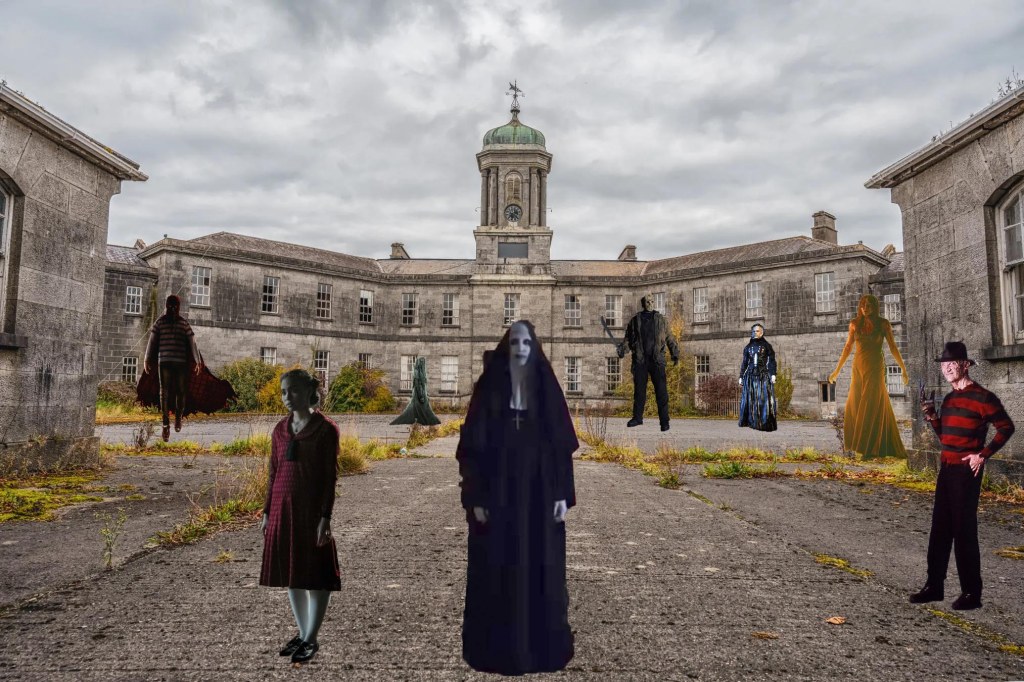
Out of the pieces of fanart the I’ve made this one was probably the one the took me the longest time to do, because when I started this particular piece I had absolutely no idea what it was that I was creating, I started with just completely blank canvas and then I went online, the first thing I looked for was the background picture that took me a quite a while to find but when saw the one you see in the picture I knew it was the right one. And then I looked at horror movie posters especially one that had characters on them, now as I’ve stated before I had absolutely no idea what I was putting in the piece. but when I found the first character the first one being the bright burn character, it progressed from there, now for how I made it one by one as I found each picture and poster, I saved each one then I opened each one in photoshop and then simply by the quick selection tool, I selected each one of the characters in each of the pictures then I copied each one from each of their prospective pictures. And then I pasted them one by one onto the background picture, situating each one in the area of the background that I wanted them in, and that’s how I made this piece of fanart. I would just like to point out everything you see in this picture is edited and put to together to make one piece of fanart, and I take absolutely no credit for anything in this picture. or any of the characters or the films they are from, and all the rights properties and all credit go to the owners writers and film studios that made them. Signed the warden
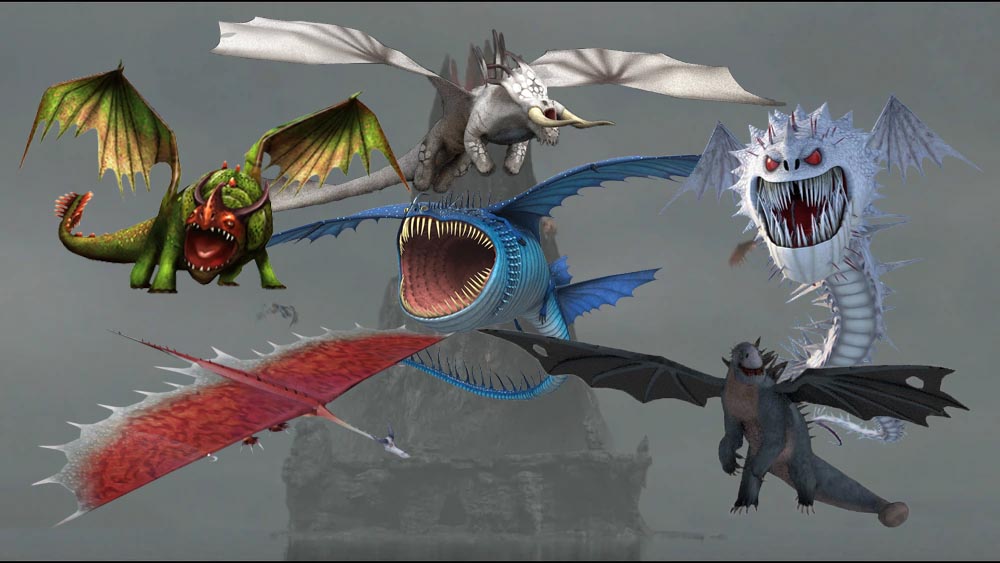
I made this piece of fanart also in photoshop but unlike other pieces I’ve made I didn’t start with a blank canvas see what I did was, I went online and looked for the perfect background I looked at multiple pictures and even though I found many that I liked the look of, I just couldn’t find one that I felt would work as the background for my piece. but then when I found this one for some reason I knew that it was one I’d been looking for, so I saved it into my files and then I opened in photoshop and just by looking I knew I could use it as the background without having to copy onto a canvas first, the only real work I had to do on the background was some cropping with that tool. As for the pictures of the dragons, all I really was find a picture of each dragon online, that I like the look of then once I had I saved each one into my files. Then I open each one in photoshop and I only had to used the quick selection tool on the dragon you see at the of the this piece, the others on the other hand it was just a matter of copying and pasting them, onto the background and positioning them in the places I wanted them in and that’s how I made this piece of fanart. I would just like to point out everything you see in this picture is edited and put to together to make one piece of fanart, and I take absolutely no credit for anything in this picture, or any of the characters plotlines, storylines or anything else related to the HTTYD series, all rights, ownership, properties. and absolutely all credit belongs and goes to author Cressida Cowell and the television network DreamWorks Animation. Signed by Alvin the traitorous
 purely fanfiction